Your stream already has the clips. We find them.
AI finds your best moments, reframes them to vertical, adds captions and publishes them to TikTok and YouTube Shorts.
Clip examples
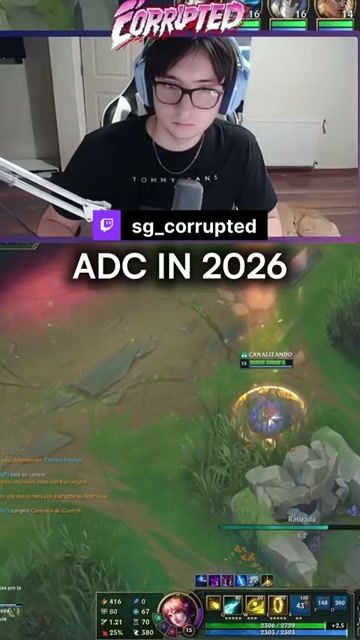
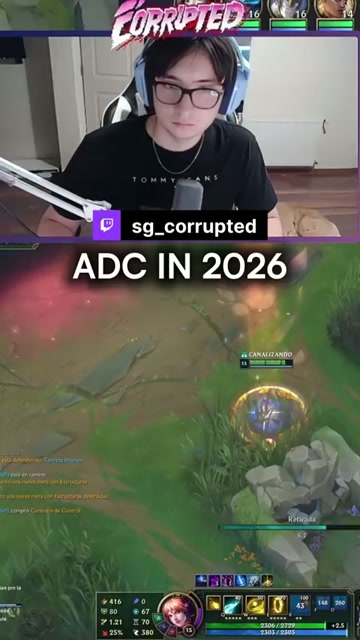
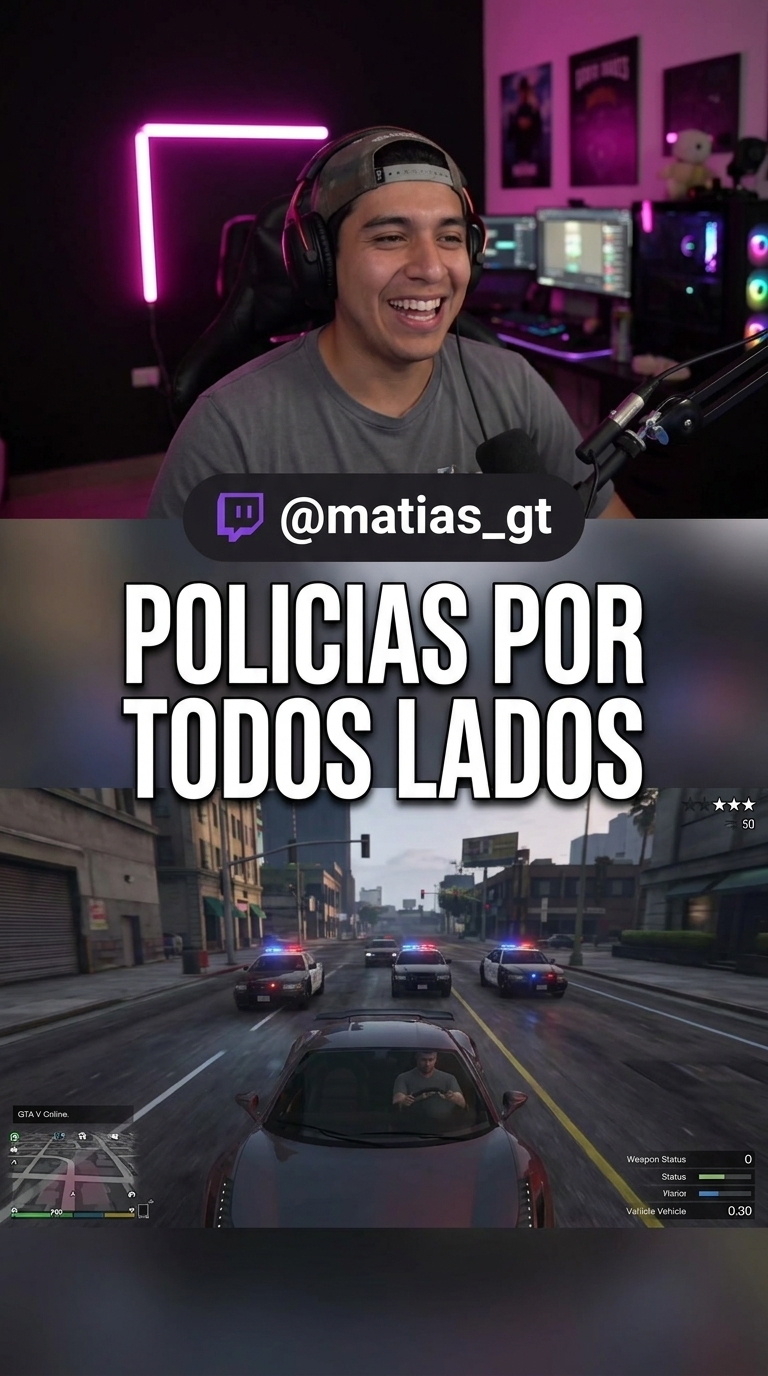
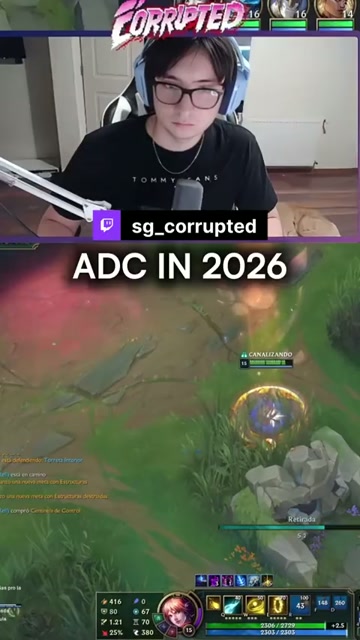
Clips ready for TikTok and YouTube Shorts
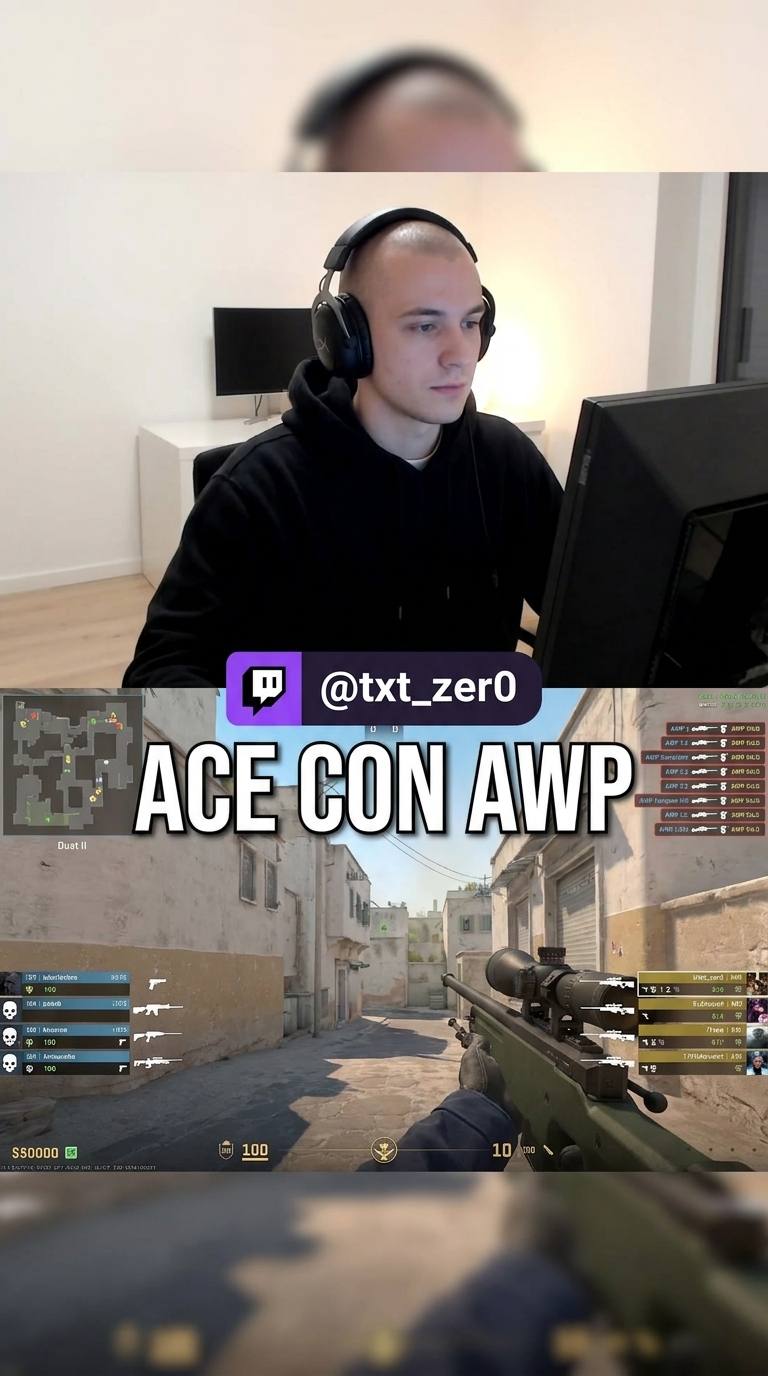
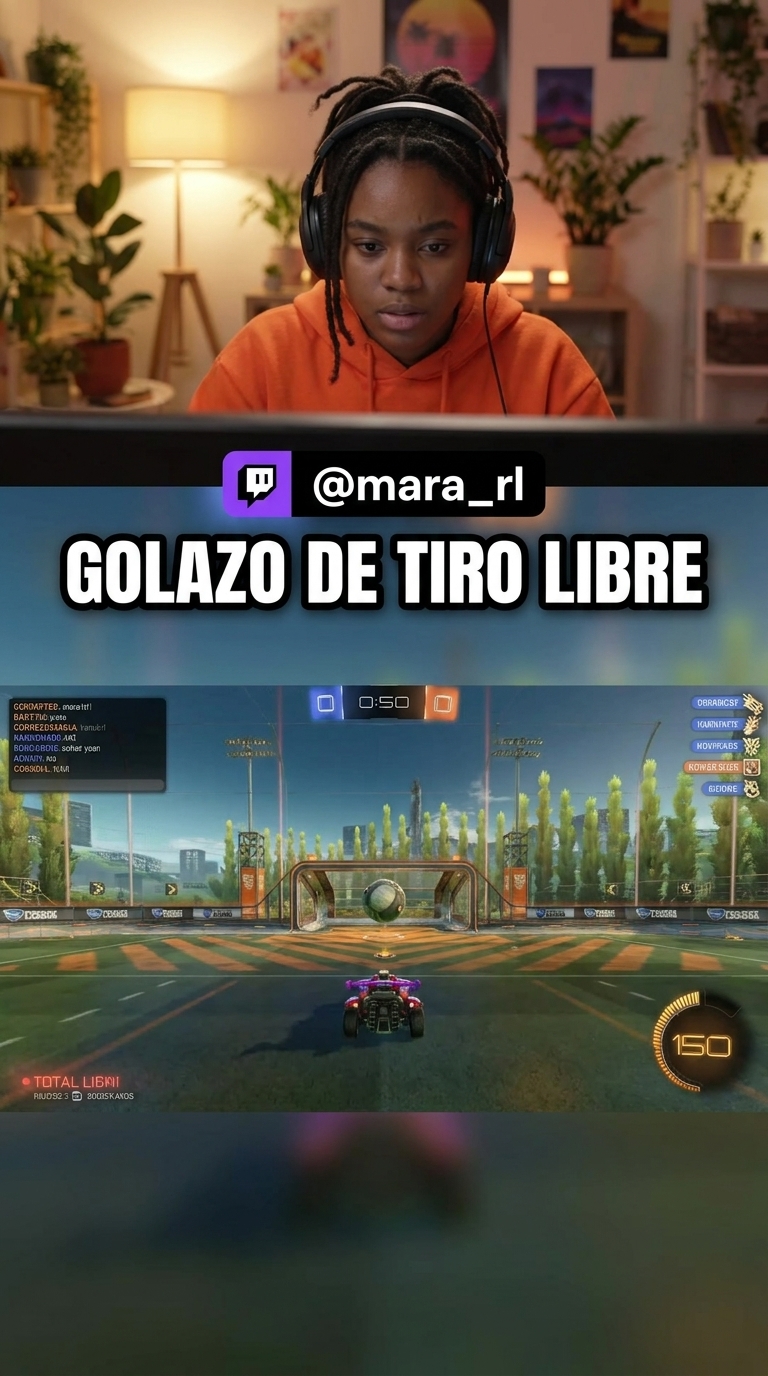
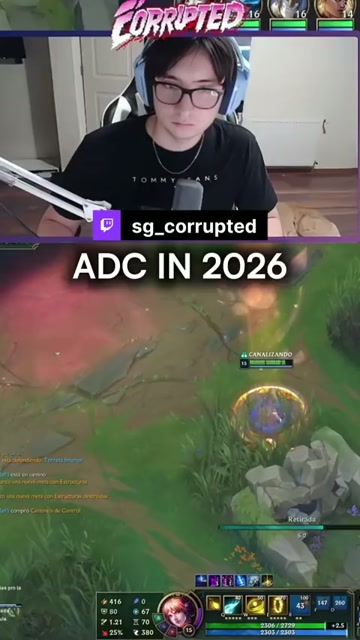
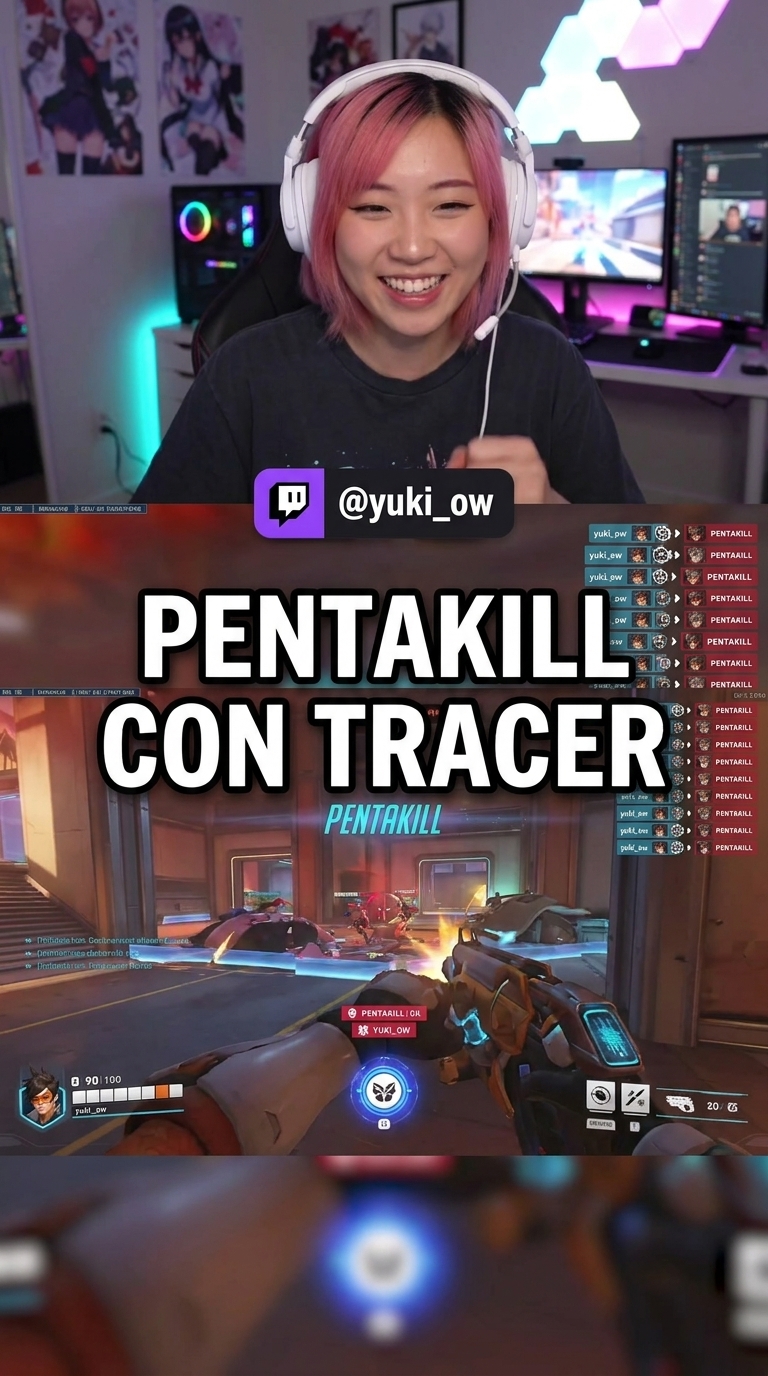
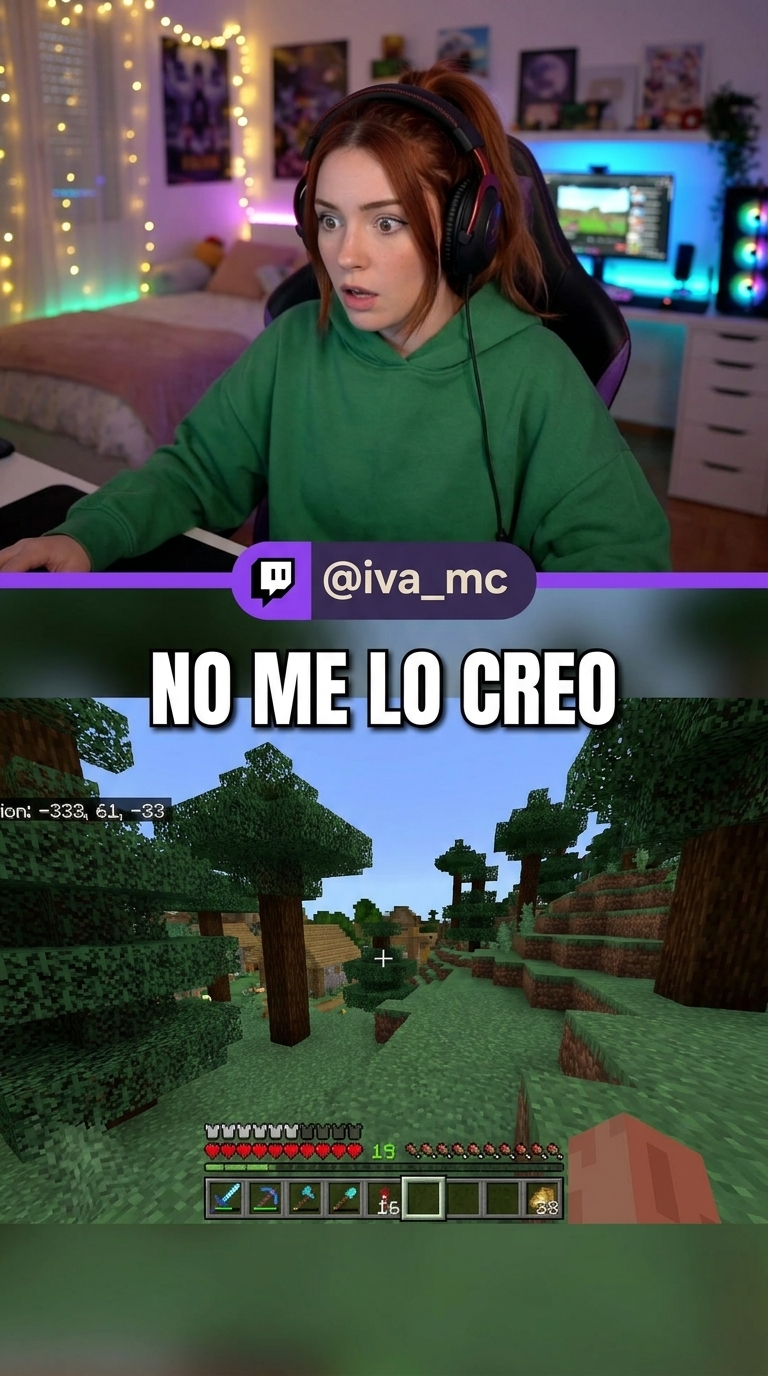
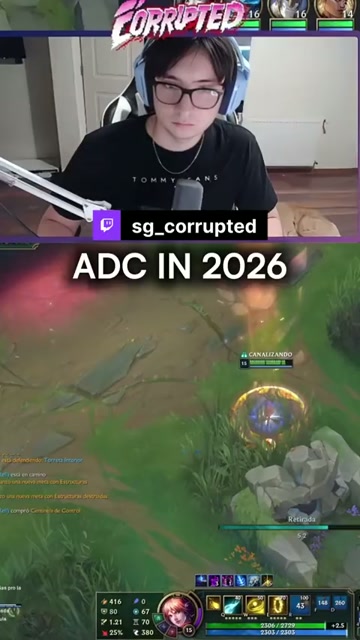
For streamers
Streaming is hard enough. Growing shouldn’t be.
You bring the content. StreamClip makes sure more people see it.
Horizontal to vertical, on its own
From your stream to a ready-to-post clip.
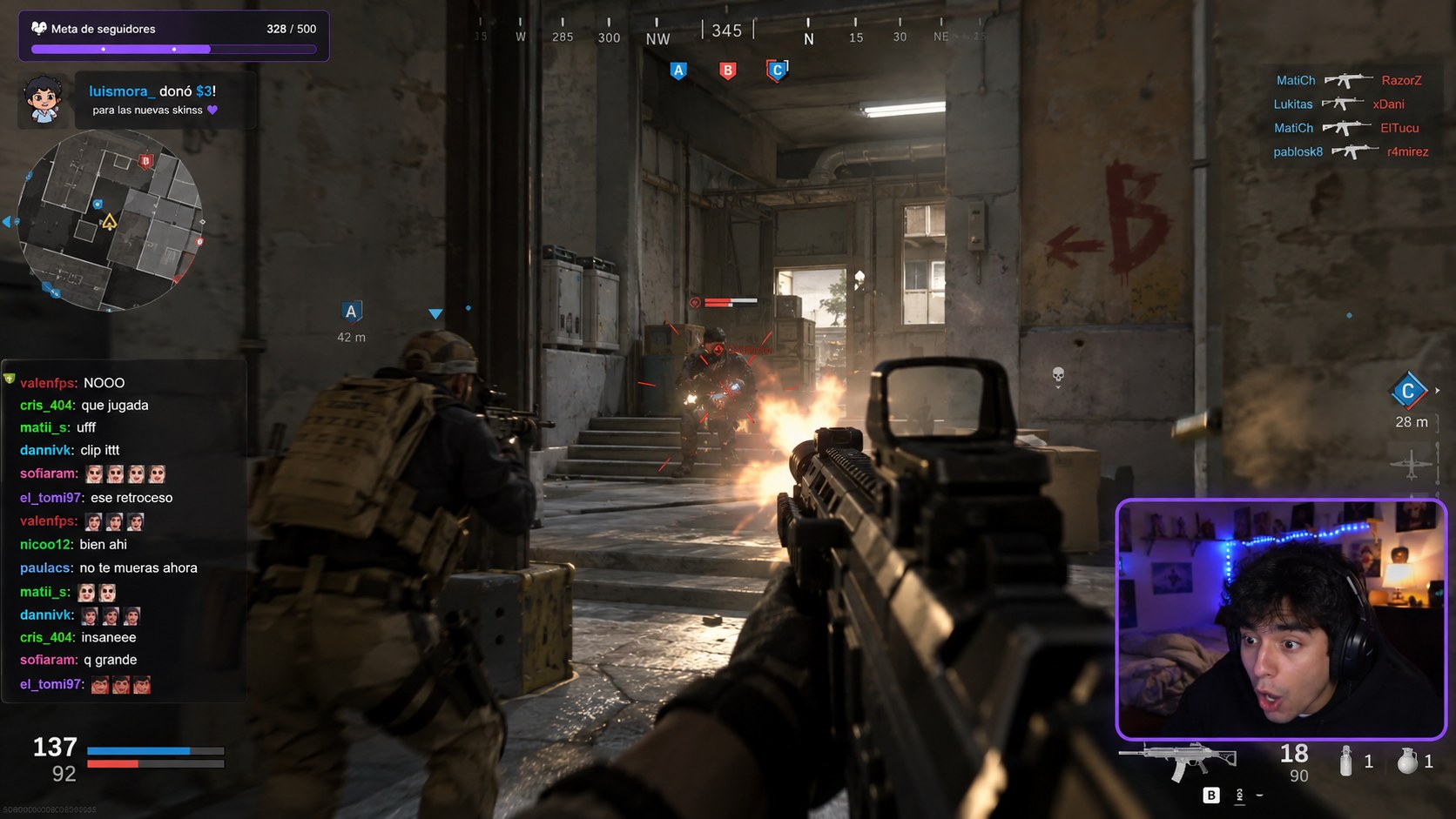
Turn a 6-hour VOD into clips in minutes.
Your best moments are buried in hours of stream. AI finds them through chat hype, audio spikes and plays, and hands them to you ranked.
- checkFinds moments from chat, audio and plays
- checkClips ranked by potential
- checkTwitch and YouTube VODs, or an MP4
Captions that hook from the first second.
Automatic word-by-word transcription, with animated styles made for gaming clips.
- check90+ animated styles
- checkIn English and Spanish
- checkWord highlight and emojis
Zoom, freeze and slow-mo without editing skills.
Mark the moment and drop the effect on the timeline. The clip looks hand-edited, without the hours.
- checkZoom on the reaction
- checkFreeze frames and slow-mo
- checkCopyright-free sounds
Publish and schedule from one place.
Connect TikTok and YouTube and schedule your clips for the hours your audience is online.
- checkTikTok and YouTube Shorts
- checkSchedule with date and time
- checkNo downloading and re-uploading
More tools
Everything you need, in one place.
Tools to turn your streams into content.
AI Clipping
AI finds the best moments in your VOD and turns them into clips.
Learn morearrow_forwardmovie_editClip creator
Paste a Twitch, Kick or YouTube clip and edit it vertical.
Learn morearrow_forwardsubtitlesCaption editor
Automatic captions with word-by-word animated styles.
Learn morearrow_forwardcalendar_monthPublisher
Schedule and post to TikTok and YouTube Shorts.
Learn morearrow_forwardmoodEmote resizer
Fit your emotes to Twitch sizes. Free.
Learn morearrow_forwardmenu_bookGuides
Learn to grow with clips on TikTok and YouTube Shorts.
Learn morearrow_forwardFrequently asked questions
Yes. The Free plan is free forever and needs no card. You can edit, caption and export your clips; on Free they carry a watermark.
No watermark, publishing and scheduling to TikTok and YouTube Shorts, and AI Clipping unlocked: 100 hours of VOD a month. See Pricing for the details.
Bring Twitch and YouTube VODs, Twitch, Kick and YouTube clips, or upload an MP4. Publish to TikTok and YouTube Shorts.
No. AI finds the moments and builds the clip. The editor is there to tweak whatever you want: captions, zoom, effects and sounds.
Yes. Cancel from your account in one click, with a 14-day money-back guarantee.
No. We post through TikTok’s official API, like any authorized app.
Start today